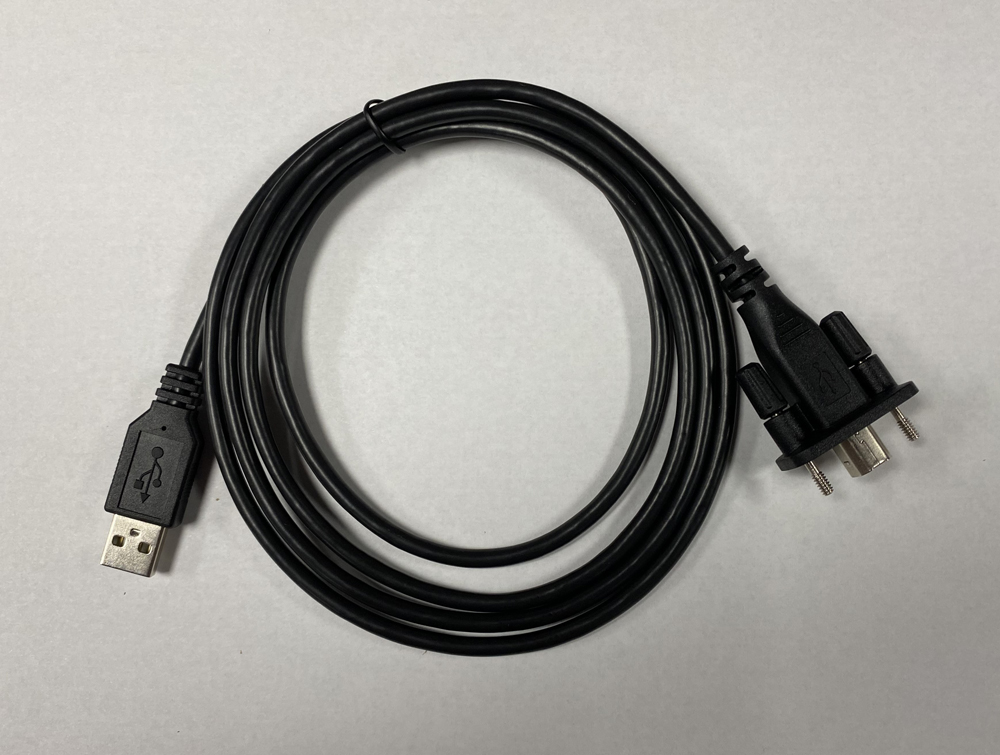
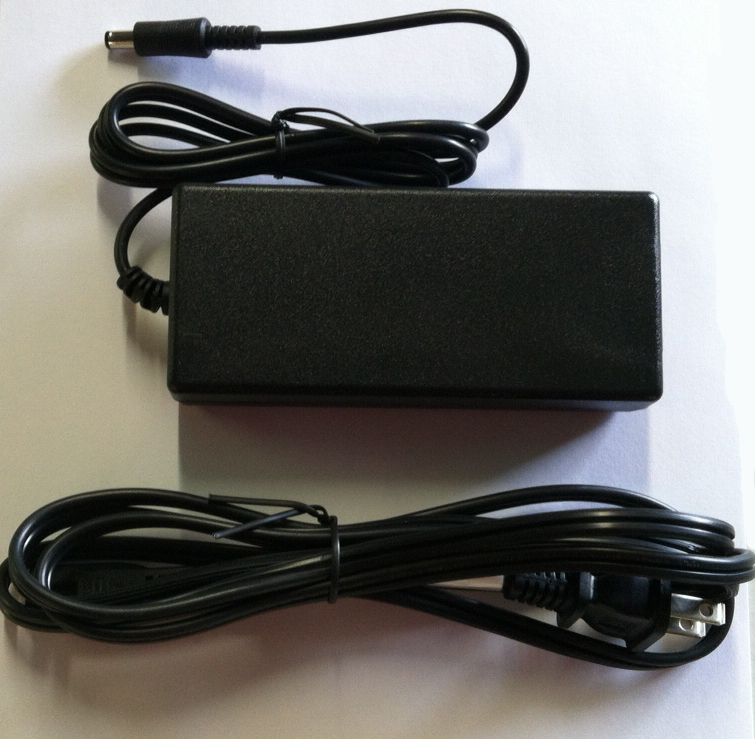
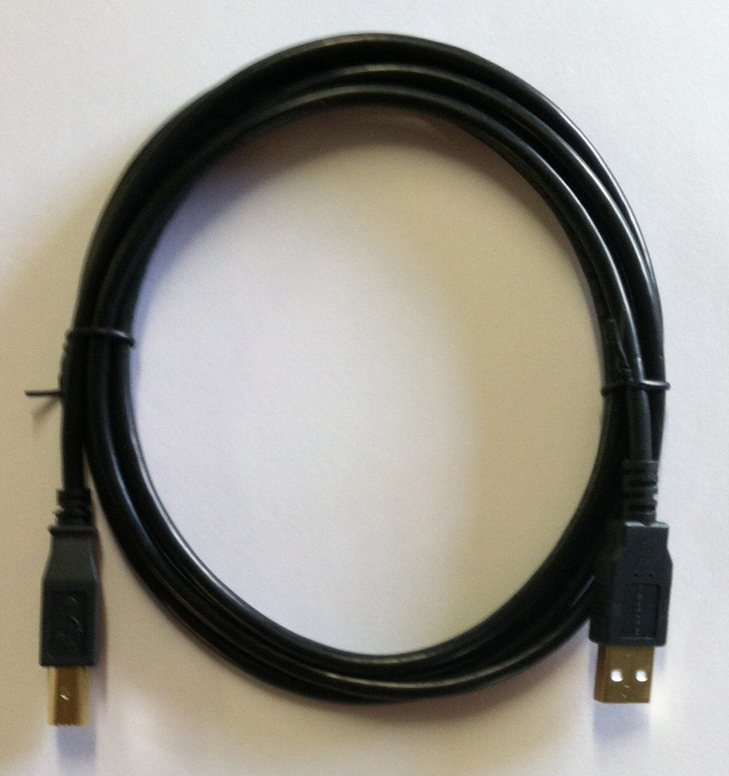
ISUZU TruckService.com
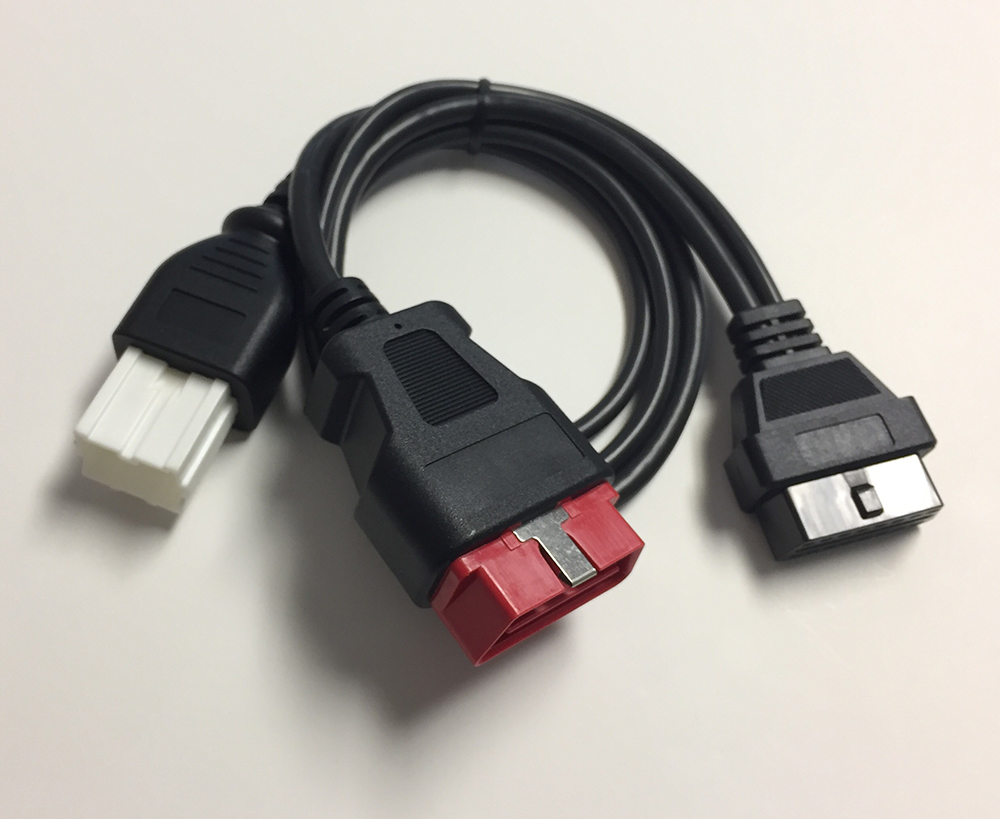
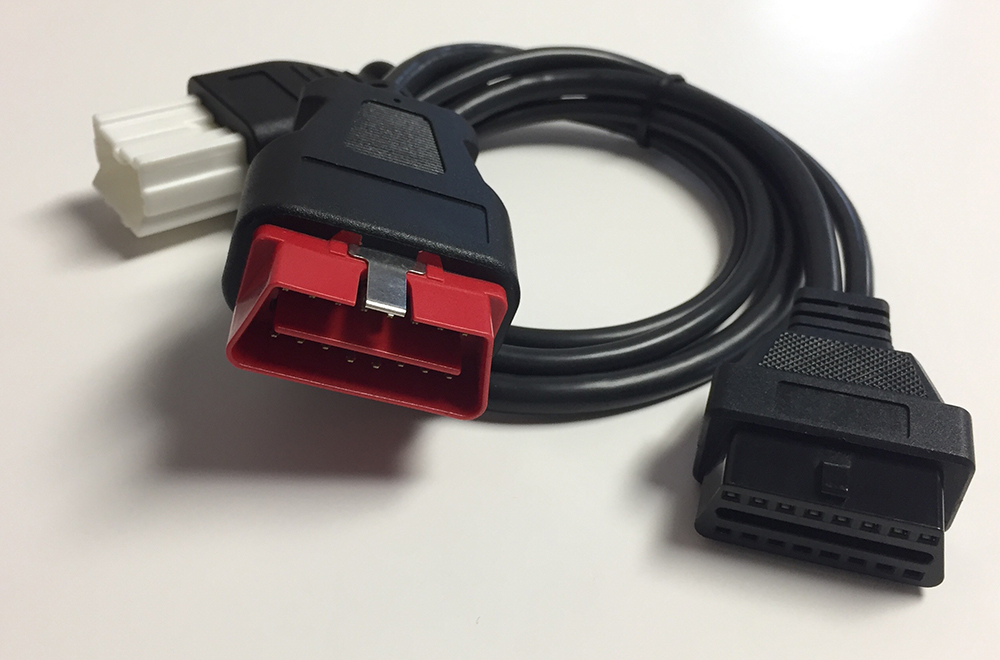
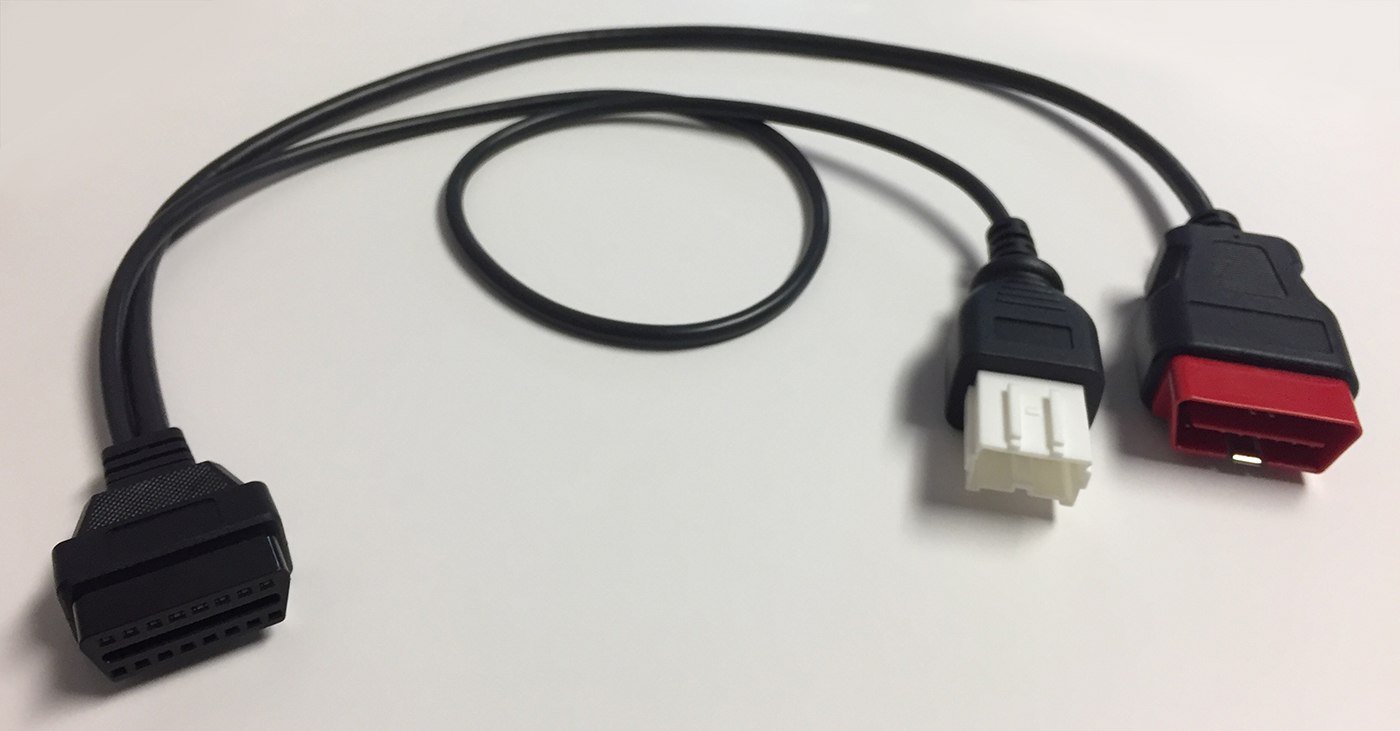
DLC Y-Cable (5-IG602-0110)
Certain Isuzu vehicles do not have the ABS CAN communication wires in the Data Link Connector (DLC).
When used in tandem with the DLC Y-Cable and an IDSS interface module or tablet PC, this cable enables ABS diagnostic communication with the Isuzu vehicle. Since the ABS diagnostic communication circuits on this vehicle are not located in the DLC, these two cables are required in order to properly diagnose the ABS system on the vehicle.
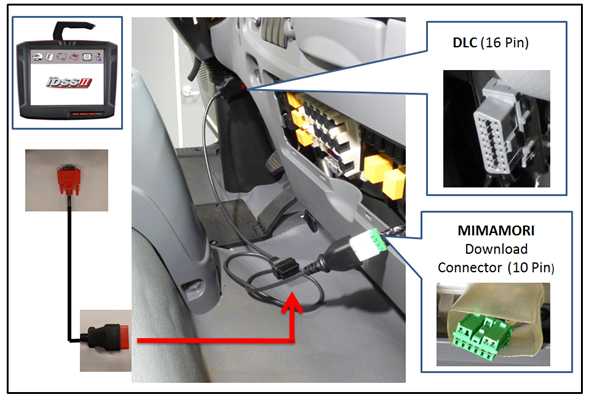
To connect the cables:
- Connect "DLC Y-Cable" to vehicle DLC (16 Pin) and Mimamori Download Connector (10 Pin) as shown in the illustration.
- Connect appropriate DLC Cable to the "DLC Y-Cable"
- Connect DLC Cable to either IDSS tablet PC or IDSS Interface Module as shown in the illustration.
- Use IDSS and Auto Connect to use Scan Tool or Programming.
$69.00
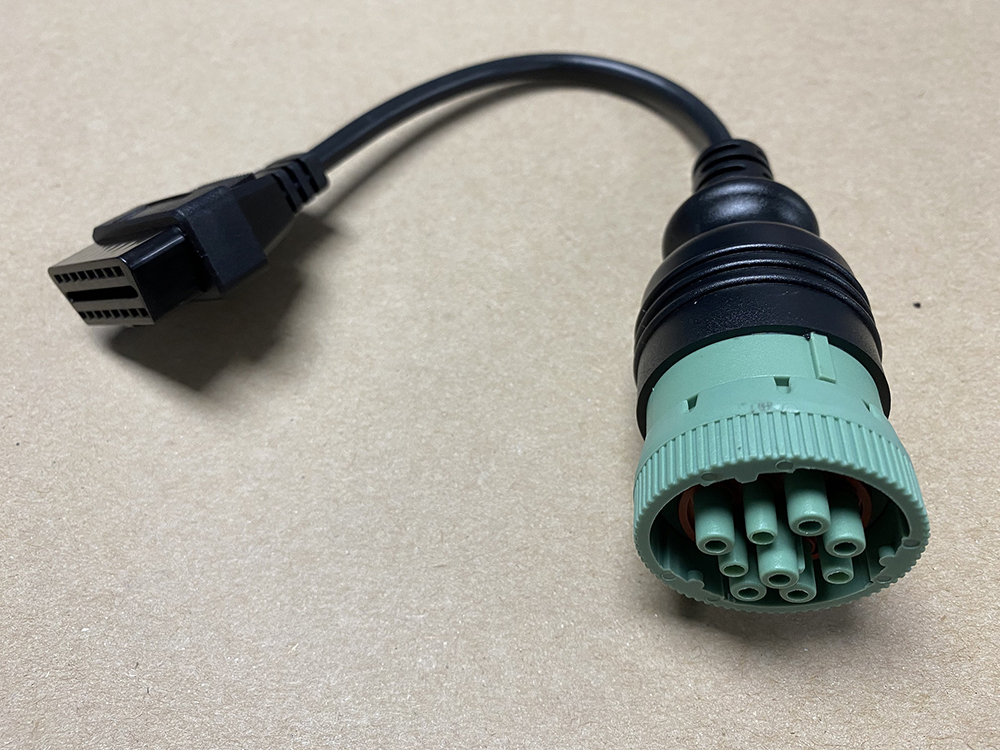
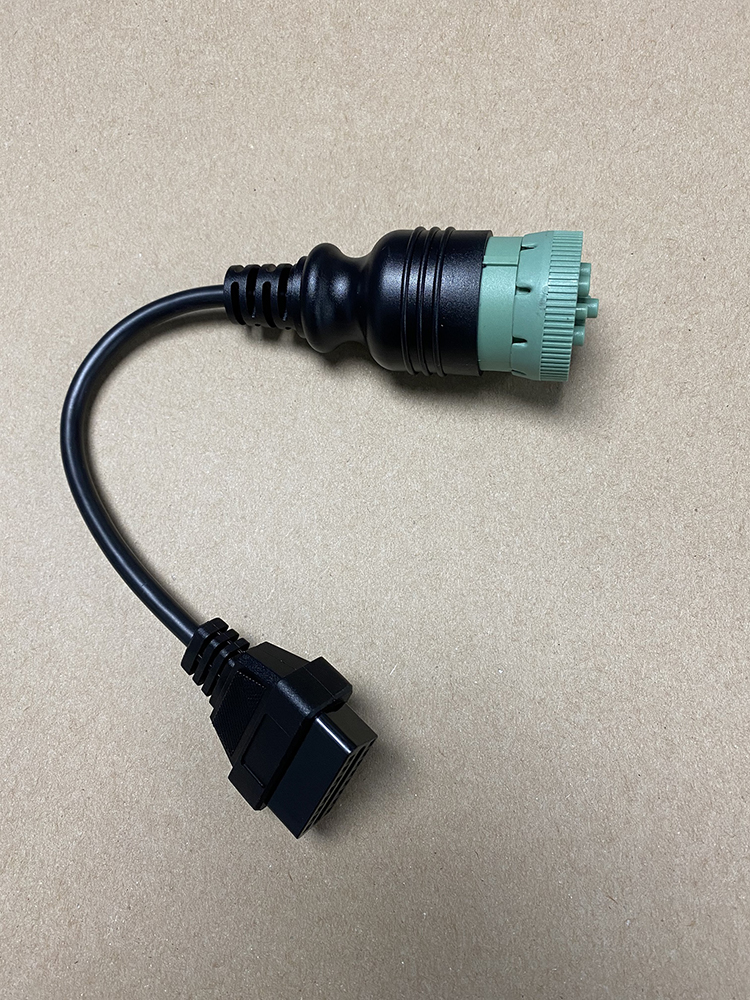
HDOBD (16-to-9 Pin) Adapter Cable (5-IG602-0120)
This adapter cable is deemed critical to the diagnosis and/or repair of ANY Isuzu Vehicle with a 9 pin HDOBD connector.
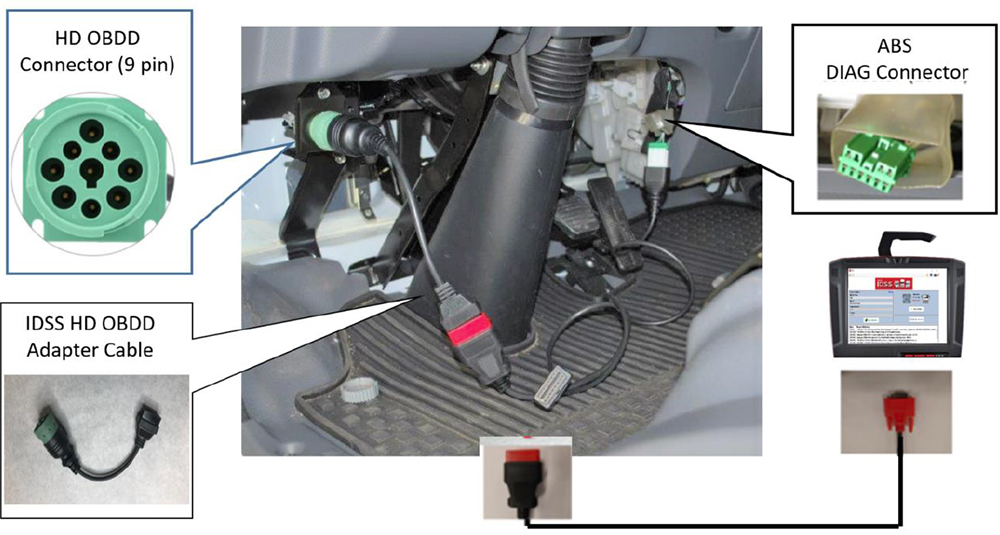
Certain Isuzu vehicles uses a 9 pin HDOBD connector similar to most Class 8 vehicles. In order to connect to IDSS, this 16 pin to 9 pin adapter will be needed. Connect this 16-to-9 pin adapter to either the DLC Y-Cable or the appropriate DLC cable, all of which are available for sale in the IsuzuTruckService.com store.
Connecting new cables to IDSS & vehicle: (See sample figure below for detail)
- Connect 16-to-9 pin adapter to HDOBD 9 pin vehicle connector.
- Connect appropriate DLC Cable to the HDOBD Adapter Cable.
- Connect DLC Cable to either IDSS tablet or IDSS Interface Module.
- Use IDSS and Auto Connect to use Scan Tool or Programming.
$37.00
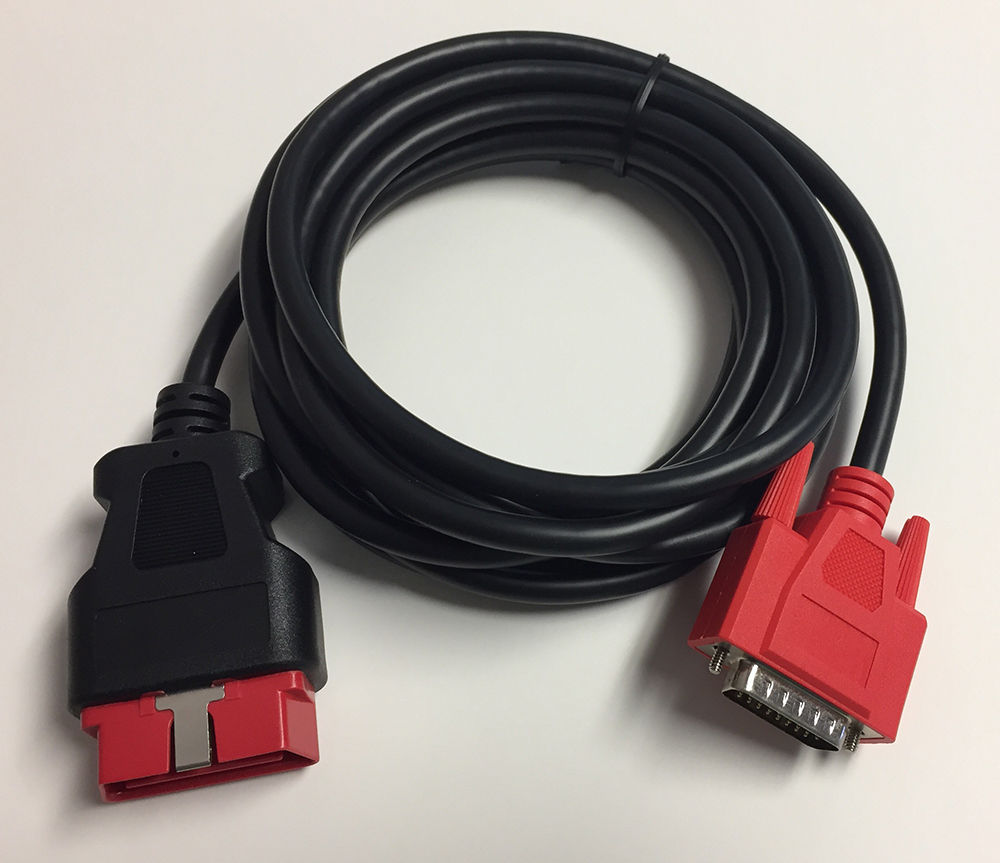
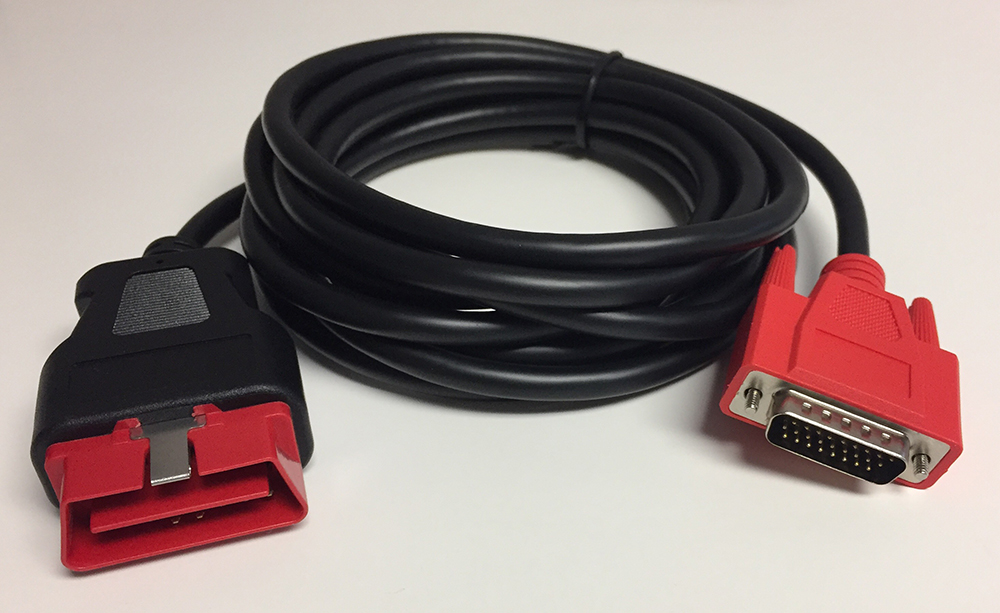
MX2/MX3 DLC Cable (5-IG602-0100)
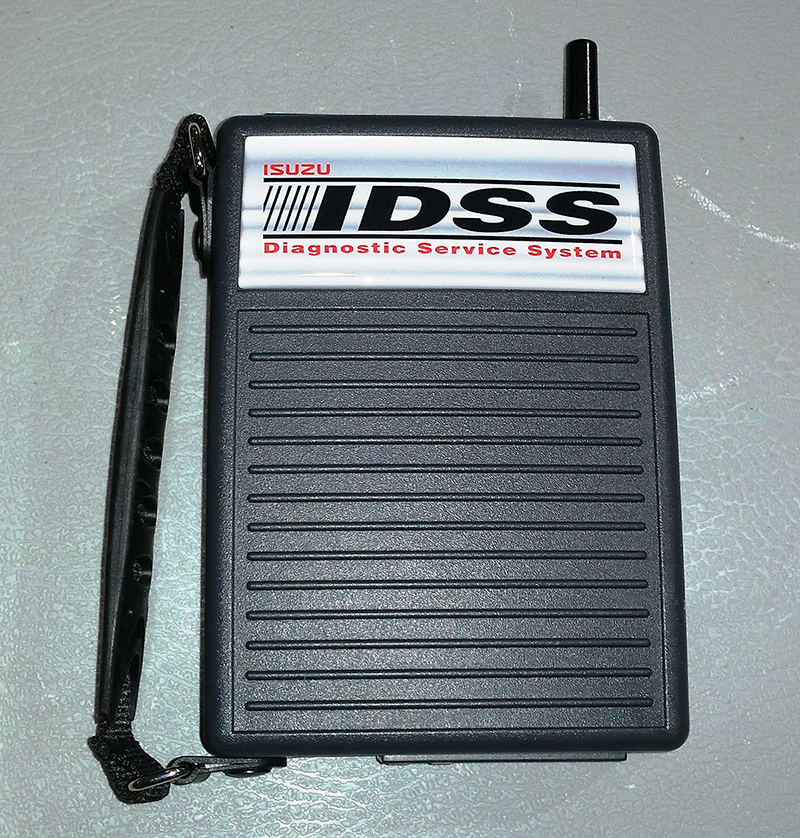
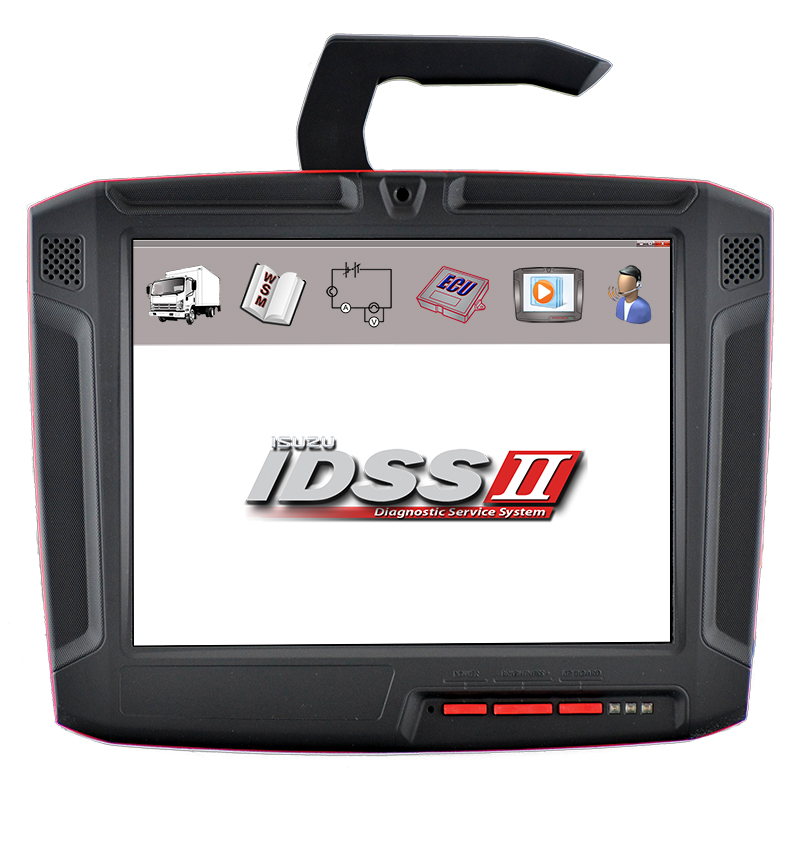
Certain Isuzu vehicles may have a second CAN bus in the Data Link Connector (DLC) or in a secondary 10 pin connector. In order for the IDSS interface modules shown below to be able to connect with this secondary CAN bus, this cable must be used to properly diagnose ECUs connected to this CAN bus.
For vehicles with the secondary 10 pin connector, this cable must be used in tandem with the DLC Y-Cable and an IDSS interface module or tablet PC, enabling diagnostic communication with the Isuzu vehicle.
For vehicles with the secondary CAN bus in the DLC, simply connect this cable to the DLC and IDSS interface module.
$69.00
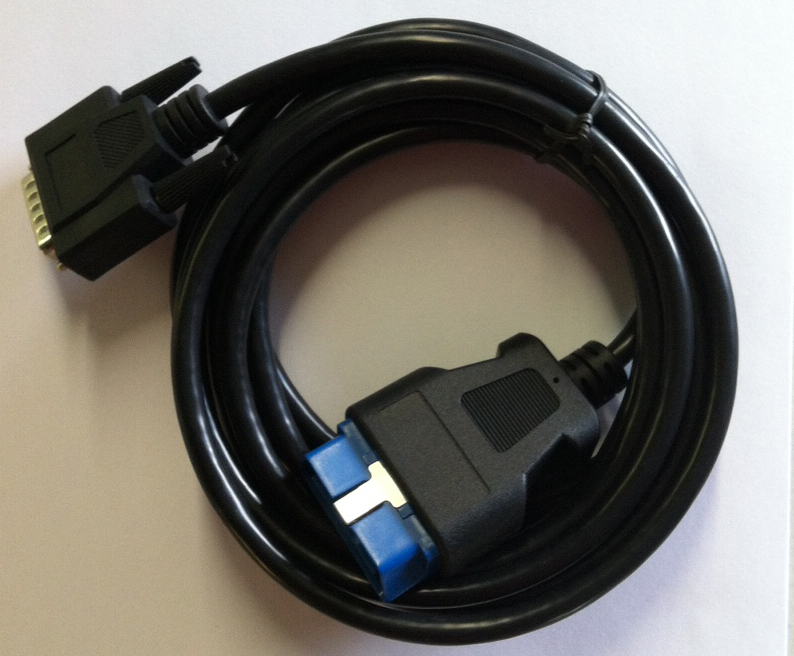
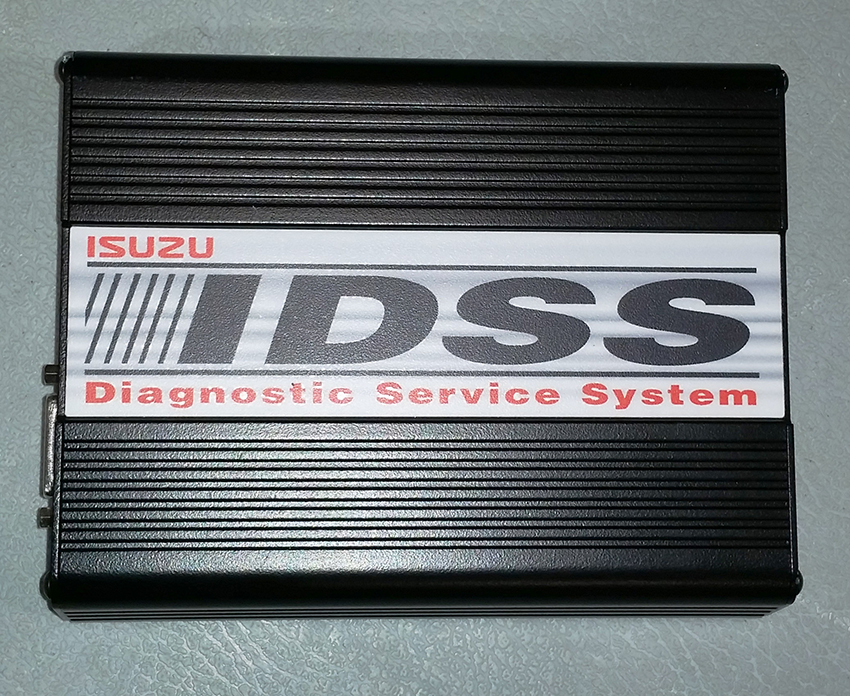
Replacement DLC Cable for IDSS (5-IG602-0070)
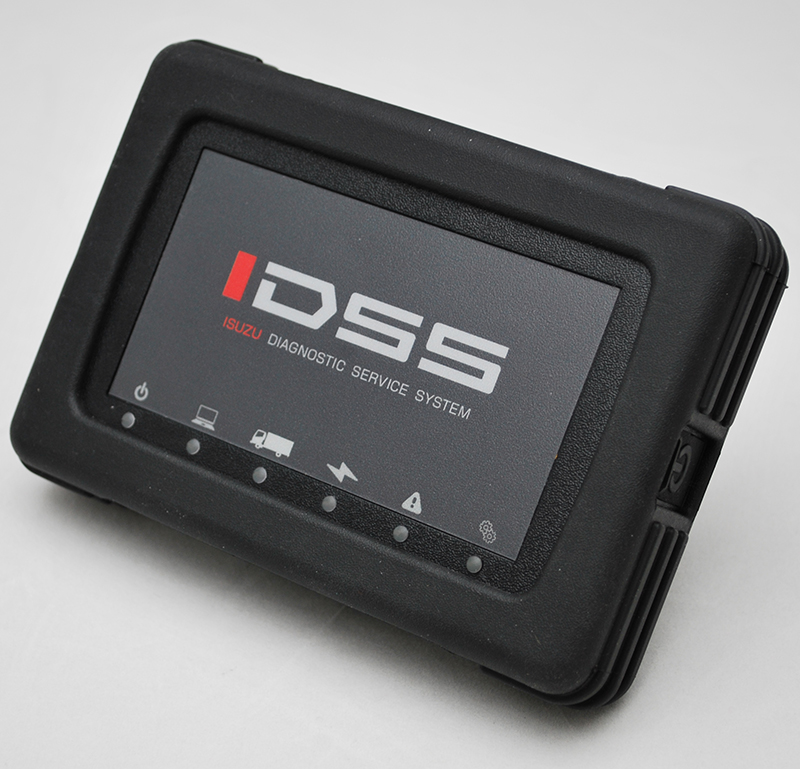
$55.00
Replacement DLC Cable for IDSS (TABLET ONLY) (5-IG602-0130)
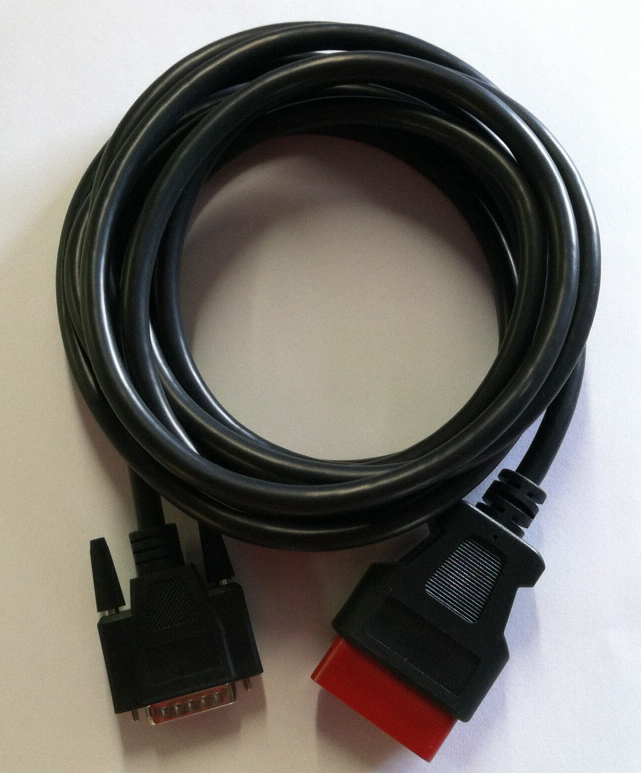
$55.00
Replacement Hardware for IDSS (5-IG60K-0050)
This replacement hardware will allow you to use the IDSS software that is already installed on your PC or laptop in the event your original hardware is lost, broken or inoperable.
- Standalone laptop PC or desktop PC with hard drive partitioned
- Windows 11. (32 and 64-bit operating systems are supported)
- 2.0 GHz or higher Pentium processor
- 40 GB hard drive minimum (80 GB hard drive recommended)
- At least 2 GB (32-bit) or 4 GB (64-bit) RAM
- At least one USB 2.0 port
- High speed broadband internet connection
- PC screen resolution set to at least 1024x768 in order to ensure proper functionality. (Use the Control Panel PC display settings to change your screen resolution, if required.